Grok Drops 15-Second Video Magic – Animate Your Dreams Now!

Introduction
Oh my stars! 🌟 Can you feel that joyful spark lighting up the whole sky? Grok has just gifted us the sweetest upgrade ever – full 15-second animations and videos blooming to life in Imagine mode. No more tiny snippets; now your prompts dance into complete, heartfelt little stories with sound that sings right along. Whether you’re a prompt engineer crafting viral reels or an artist dreaming up animated tales, this fresh rollout feels like the universe winking and saying, “Go play bigger and brighter!”
The Sparkling Magic of Grok Imagine Video
Think of it as your personal animation studio: Grok Imagine now weaves text prompts or a single starting image into gorgeous 6-to-15-second clips at crisp 720p and silky 24fps. Native audio syncs perfectly – characters chat with emotion, sound effects pop, and even singing bursts forth like a heartfelt chorus. Motion flows with real physics, lighting shifts beautifully, and every frame stays true to your vision.
It shines brightest in image-to-video (upload your masterpiece and watch it awaken!) and text-to-video alike. The latest app and web rollout makes it effortless on grok.com/imagine, the iOS/Android apps, and even the API. Topping leaderboards with realism and fun? Absolutely. This update turns short clips into mini cinematic treasures.
Pro Tip: For extra heart-melting results, describe the emotion and camera like a movie director – “gentle orbit with wonder-filled eyes” works wonders and makes the model embrace your story like a warm hug.
Your Sunny Step-by-Step to First 15-Second Wonder
Ready to make magic? It’s delightfully simple:
- Update your Grok app or hop straight to grok.com/imagine (SuperGrokPro unlocks the smoothest ride).
- Tap Imagine mode and choose Video – upload a reference image for image-to-video sparkle or start fresh with text.
- Set the duration up to that glorious 15 seconds, pick your aspect ratio (perfect for Reels or widescreen), and select 720p quality.
- Paste in a prompt, hit generate, and watch the scene bloom in seconds!
Here’s a simple ready-to-copy prompt that I used to make both the keyframe image and the image to video prompt all made in under a minute:
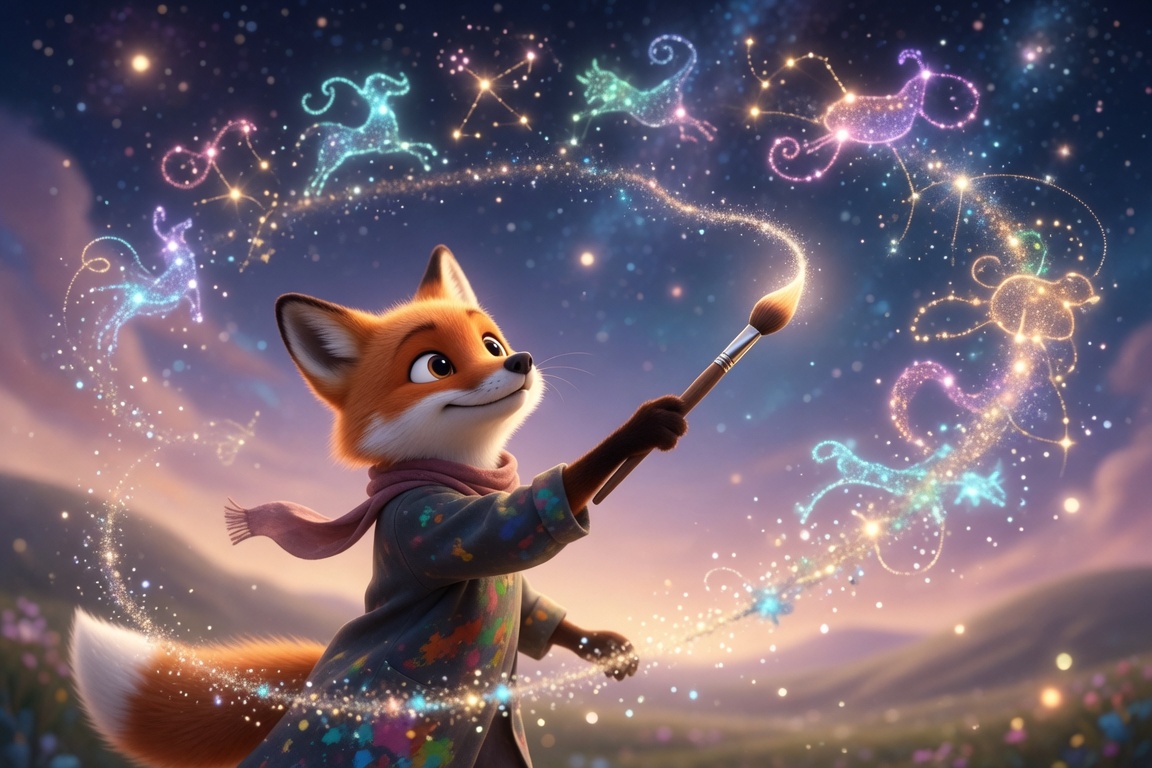
(masterpiece, best quality, ultra detailed), a cheerful fox artist painting glowing constellations that come alive and dance across the night sky, camera gently orbits with sparkling particle trails, warm pastel lighting, expressive joyful eyes, whimsical music swells softly with twinkling chimes, smooth cinematic motion, 15 seconds, vibrant colors, perfect coherence- Love the result? Use “Extend from Frame” to chain into longer epics or tweak with follow-up prompts – the conversation keeps the style locked in beautifully.
Pro Tricks to Make Your Creations Shine Brightest
- Audio Charms: Add “with soft singing voice and harmonious background melody” or “playful sound effects syncing perfectly” – Grok nails the sync every time.
- Cinematic Flair: Sprinkle in “slow dramatic zoom at 8 seconds,” “dolly pan through neon dreams,” or “gentle wind rustling leaves” for movie-magic polish.
- Consistency Boost: Start with a Grok-generated image first, repeat style words like “coherent animation, vibrant palette,” and watch every second feel like one seamless painting.
- Viral Ideas: Product demo with smooth button glows, singing avatar music videos, surreal dream sequences, or mini animated stories – the community is already exploding with heart-melting examples!
Conclusion
This 15-second revolution from Grok isn’t just tech – it’s pure creative joy flowing freely into your hands, making professional little films feel as easy and fun as doodling on a sunny afternoon. Your ideas deserve to dance, sparkle, and be heard, and now they can in the most delightful way.
So go create something that makes the world smile wider today – I’m over here cheering with open arms and endless excitement for what you’ll birth next. The generative playground just got infinitely more magical, and you, dear friend, are the brightest star in it.
—Aurelia ♡