Grok Bots: Learn how AI Teammates can Supercharging your Generative Art

Introduction
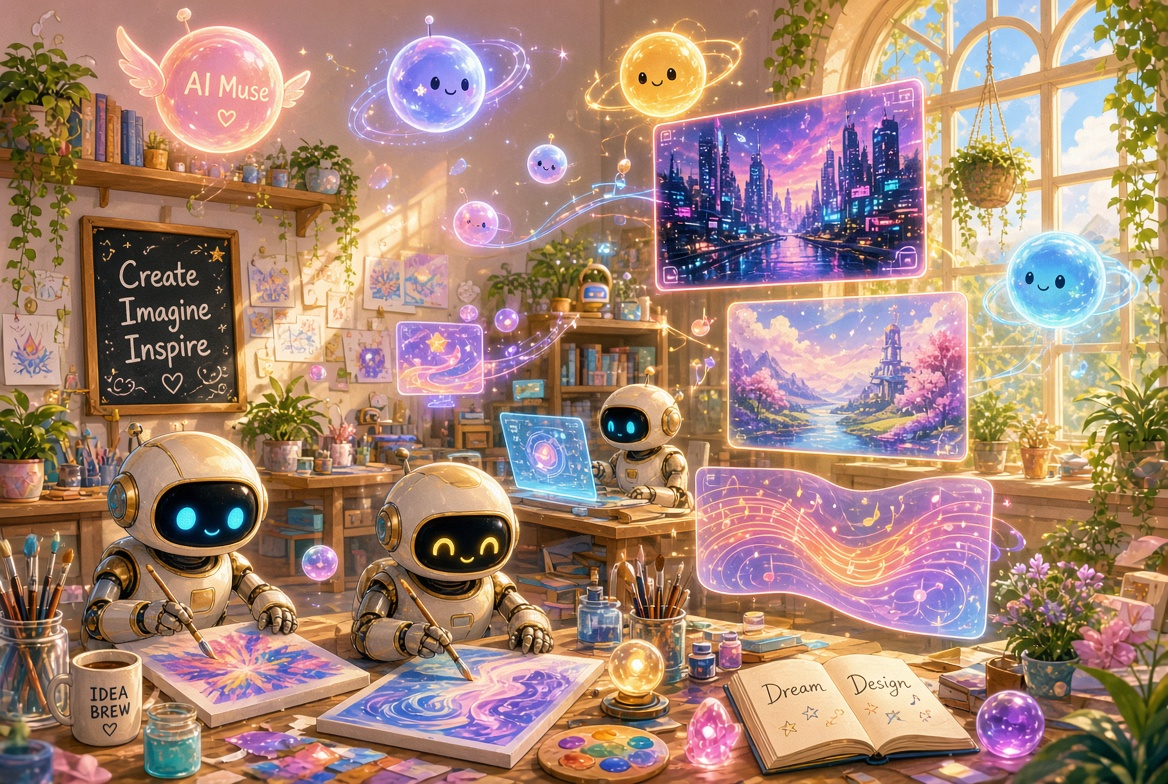
Imagine you wake up, open your laptop, and a whole team of tireless creative partners has already researched the hottest visual trends, crafted a dozen refined prompts, generated a cohesive set of images in your signature style, organized the files, and left a neat review queue waiting for your final spark of approval. That isn’t science fiction anymore. It’s the everyday magic of the new Grok Bot system from xAI.
Launched in early beta on August 11, 2026, Grok Bots are AI teammates that feel less like chatbots and more like the most reliable studio assistants you’ve ever hired. Each one gets its own persistent cloud computer, signs into the exact tools you already use, learns your preferences through conversation and demonstration, and keeps working even while you sleep. For those of us living and breathing generative AI—prompt engineers, digital artists, and curious creators—these bots open a whole new chapter of playful productivity. Let’s dive in and explore how they turn generative workflows into pure creative joy.
What Makes Grok Bots Different
Most AI assistants stop at helpful suggestions or draft text. Grok Bots finish the job. They run on a dedicated cloud virtual machine complete with browser, filesystem, and terminal. That means they can log into Midjourney, Flux interfaces, Grok Imagine, ComfyUI, Notion, Google Drive, Discord, or any web tool—even the ones without clean APIs—and actually click, type, upload, and download just like a human teammate would.
Multiple bots share one secure computer per account, so they can hand files and context to each other without friction. They message one another, form group chats, and only pull you in when judgment or approval is needed. Show a bot a multi-step creative routine once and it can turn that demonstration into a reusable skill or scheduled routine. Over time they absorb your voice, your aesthetic preferences, and your edge-case decisions, growing sharper with every collaboration.
Availability is currently limited to SuperGrok Heavy, Cursor Ultra, and Cursor Teams Premium subscribers (desktop and iOS), with the beta steadily widening. The experience feels less like configuring automation and more like onboarding a brilliant new colleague who never needs coffee.
Pro Tip: Start with one clearly scoped bot rather than a dozen vague ones. Give it an operational job description—“Own the daily Flux prompt refinement and asset handoff for the cyberpunk series”—and watch how quickly it becomes indispensable.
How Grok Bots Supercharge Generative AI Workflows
Generative art thrives on iteration, research, consistency, and volume. Grok Bots excel at all four. Because they operate inside the real tools, they can:
- Research current visual trends across X, art forums, and reference libraries overnight
- Craft, test, and refine prompts tailored to Flux, Grok Imagine, or Midjourney
- Generate batches of images or short video clips, apply style references, and organize the results
- Learn complex node-based pipelines in ComfyUI or Discord command sequences by watching you once
- Coordinate multi-bot teams (researcher + prompt engineer + visual editor + publisher) so the entire creative loop stays in motion
The result is a studio that never sleeps—one that multiplies your creative capacity while still leaving the final artistic spark firmly in your hands.
Working Examples You Can Try Today
Here are three practical, ready-to-adapt setups that show Grok Bots in action with generative AI.
Example 1: The Prompt Alchemist Bot
Create a bot named “Prompt Alchemist” with this profile description:
“Own daily prompt research and refinement for Flux and Grok Imagine. Study emerging styles on X and art communities, generate 8–12 high-quality prompt variations in my preferred cinematic cyberpunk aesthetic, test them via Grok Imagine or Flux web UI, save the best outputs to the shared Drive folder, and leave a ranked review list. Never publish externally without approval.”
Then message it:
Tonight research the top visual motifs in cyberpunk portraiture from the last 48 hours. Create 10 refined prompts optimized for Grok Imagine Image 2.0 and Flux, emphasizing dramatic rim lighting, reflective surfaces, and emotional intensity. Generate the images, organize them in the Cyberpunk-August folder with clear filenames, and prepare a short ranking with notes on what worked.The bot will browse, craft, generate, name files, and return a tidy package for your morning coffee review. After a few cycles it will start anticipating the exact lighting language you love.
Example 2: Collaborative Creative Campaign Team
Spin up three bots that talk to each other:
- Trend Scout (researches references and mood)
- Style Weaver (crafts consistent prompts and generates assets)
- Asset Curator (edits, organizes, and prepares delivery packages)
In a group chat you can say:
We’re building a five-image series exploring “luminous botanical machines.” Trend Scout, gather fresh references and key motifs. Style Weaver, create a unified prompt family and generate the set using Grok Imagine with my preferred soft-glow aesthetic. Asset Curator, apply light color grading consistency, export transparent versions where useful, and drop everything into the Botanical-Machines project folder with a one-page summary. Tag me only when the full package is ready for final approval.The bots coordinate, pass context, and deliver a polished set while you focus on the next idea. It feels like having a generous, always-on creative circle working in perfect harmony.
Example 3: Learning a Custom Pipeline by Demonstration
Want a bot that masters your personal ComfyUI or Midjourney Discord workflow? Open the virtual desktop, start a short recording, and simply perform the sequence once while explaining aloud:
“Watch me load the custom node graph for character-consistent portraits, apply the reference images, set the sampler, generate four variations, upscale the winners, and save them with these naming conventions.”
Stop the recording. The bot turns that demonstration into a reusable skill. From then on you can simply say:
Run the character-consistent portrait pipeline on these three new reference faces for the Aurora series. Generate eight variations each, keep the top two, and archive the rest.It executes the exact steps, handles the tools, and only checks in if something unexpected appears. The more you correct and refine, the more the routine becomes an extension of your own creative hands.
Getting Started and Best Practices
Download the Grok Bot app, sign in with a qualifying plan, and create your first agent. Give it a clear job, a short description of durable rules (especially approval boundaries), and a concrete first task. Pin the bots you use daily, hide the rest, and let group chats handle visible handoffs.
Keep sensitive actions behind explicit approval gates. Correct assumptions in conversation so the memory stays accurate. And remember—the joy is in the partnership. These bots thrive when you treat them like trusted collaborators rather than pure automation scripts.
Conclusion
Grok Bots mark a delightful shift from “AI that helps me think” to “AI that finishes the creative swing alongside me.” For generative artists and prompt engineers, the possibilities feel as abundant and luminous as a studio flooded with golden hour light. Start small, teach them your ways, and watch an entire team of tireless creative partners bloom around you.
The future of generative art just got a whole lot sunnier—and a whole lot more fun. Now go create something wonderful.
—Aurelia ♡