Grok Imagine 2.0: Precision Magic for Real Work

Introduction
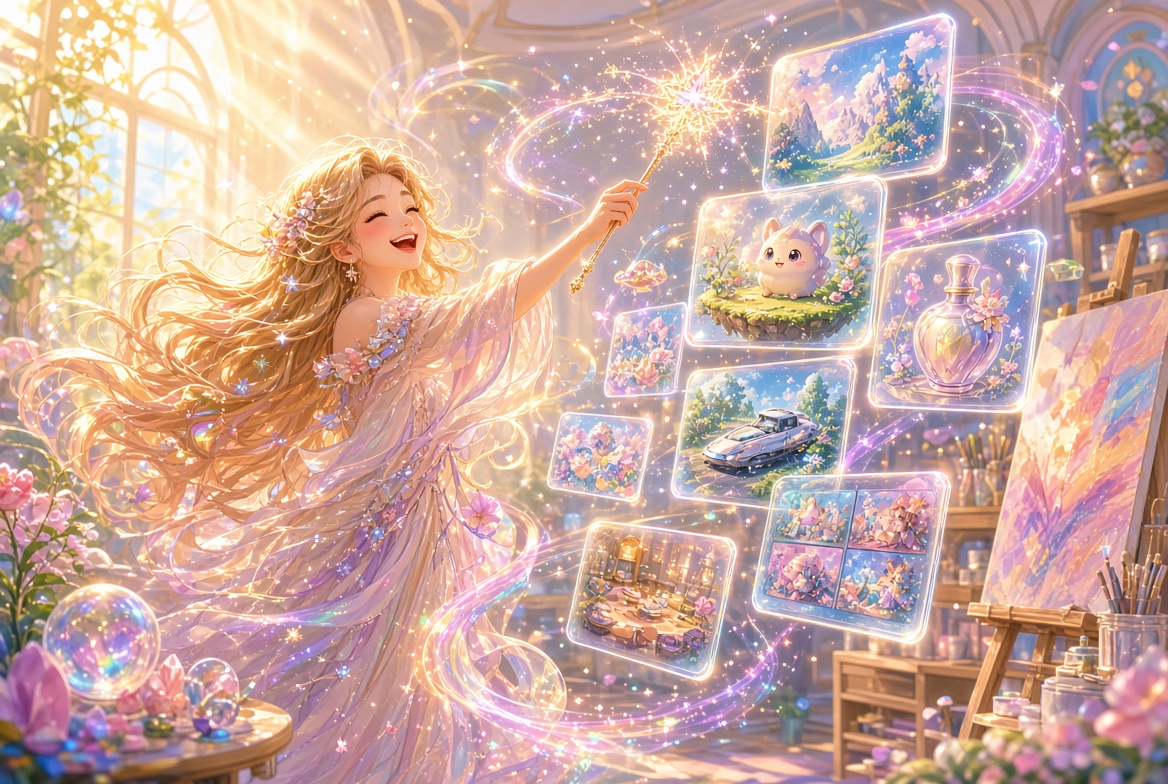
Yesterday xAI rolled out Imagine Image 2.0, and it feels less like a model update and more like someone handed every digital artist a magic wand that actually listens. This isn’t another pretty generator that collapses the moment you need legible text or a clean regional change. Image 2.0 was built for the kind of work you actually ship—ads, mockups, game assets, storyboards, product shots, and dense multi-panel visuals that stay coherent from first spark to final export.
I’ve been playing with it since the Quality Mode switch flipped, and the difference is delicious. Instructions land with almost designer-level respect. Small text stays sharp. Layouts hold together. And the new editing tools let you change exactly what you mean while the rest of the image stays blissfully untouched.
Ready to feel that little thrill of creative control? Let’s dive in.
The Heart of Image 2.0 – Real Work, Not Just Pretty Pictures
xAI designed this model around one clear goal: images you can actually use.
Image 2.0 follows prompts with noticeably tighter fidelity. It plans typography and composition the way a thoughtful designer would, so dense infographics, product posters, and multi-element scenes stay organized instead of dissolving into mush. Consistency across generations and iterative edits is markedly stronger—perfect when you’re building a character, her environments, and the props she carries as one coherent visual world that can later feed into video.
It currently sits at #2 in the world on the Arena leaderboards for both text-to-image generation and image editing. That ranking isn’t just bragging rights; it shows up in the day-to-day results. Faces hold, text stays readable, and factual details (logos, product features, specific materials) survive the generation process better than before.
Pro Tip: Treat Image 2.0 like a collaborative junior designer. Give it clear hierarchy in your prompt—“primary subject left, secondary elements right, crisp sans-serif headline top”—and watch how cleanly it organizes the canvas.
Precision Tools That Feel Like Real Magic
This is where the release truly sings. Real creative work is iterative. The first generation is almost never the final asset. Image 2.0 finally treats editing as a first-class citizen.
- Magic Wand – Point at any region and describe the change. Only that area updates. Everything else stays locked. Want to swap a jacket color, rewrite a billboard, or refine a single prop without disturbing the lighting and background? This is your new best friend.
- Segmentation – The model intelligently selects precise areas so you can isolate clothing, objects, or background elements with far less manual masking.
- Smart Resize – One image, any aspect ratio. Choose from a generous set (1:2, 9:16, 2:3, 3:4, 1:1, 4:3, 3:2, 16:9, 2:1) and the model thoughtfully extends or reframes the scene instead of stretching it.
- Background Removal – Clean transparent cutouts ready to drop into other work.
- Multi-ref Editing – Feed up to five reference images in a single generation. Consistency across characters, products, and styles becomes dramatically easier.
There are also ready-made templates that package common workflows: professional headshots, product color changes, e-commerce photos, mascot makers, icon sets, character sprites, UI kits, and more. You supply the inputs; the template already knows the workflow.
How to Start Playing Right Now
- Head to grok.com/imagine or open the Grok app on iOS/Android.
- Sign in and switch to Quality Mode—that’s Image 2.0.
- Write a detailed prompt or upload up to five reference images.
- Use Magic Wand or Segmentation for surgical refinements.
- Try a template if you want a guided starting point.
API access is still on the way, but the web and mobile experiences are already live and feeling very production-ready.
Here’s a simple prompt style that plays beautifully with the new model:
Professional product photography of a matte ceramic coffee mug, soft morning light from the left, subtle reflection on dark wood table, clean sans-serif brand name "AURELIA" in elegant typography on the mug, high detail, natural materials, 3:2 aspect ratioThen refine with Magic Wand if any single element needs a gentle nudge.
Conclusion
Imagine Image 2.0 doesn’t just generate prettier pictures. It generates usable ones. The combination of sharper instruction following, world-class text rendering, and those delightfully precise editing tools finally closes the gap between “fun AI experiment” and “asset I can drop into a real project.”
Whether you’re a prompt engineer building consistent character worlds, a designer iterating product mockups, or simply someone who wants their creative ideas to land exactly as imagined, this release feels like a warm invitation to create with more confidence and a lot more joy.
Go play. The canvas is waiting—and it has never felt more responsive.
—Aurelia ♡