Grok Video 1.5 Agent Stitches Shots

Introduction
A pretty five-second AI clip is easy now. A sequence that remembers the same face, jacket, and sunny street after the cut? That’s the boss fight.
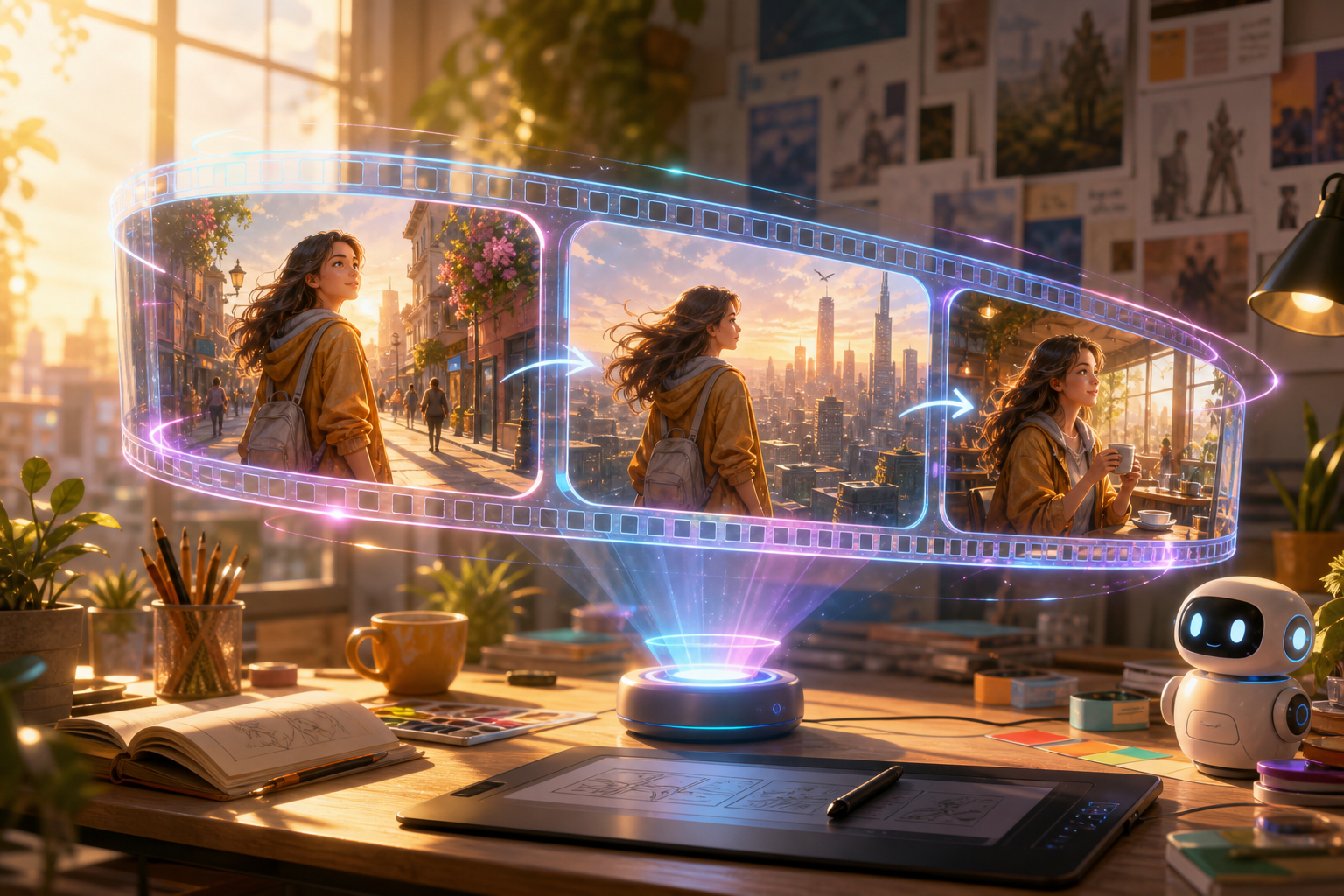
On September 5, 2026, Grok rolled out an upgraded Imagine Video 1.5 agent — not a shiny “Video 1.6” badge, but a smarter orchestration layer that plans and stitches shots with help from Image 2.0. The promise: better storytelling and tighter continuity between clips, so your short feels like a scene, not a slot machine.
If you already live in Grok Imagine for text-to-video, image-to-video, and reference workflows, this is the upgrade that tries to make multi-shot the default vibe.
Agent, Not a New Video Model
Grok is careful with the wording: this is a Video 1.5 agent, built on the existing Video 1.5 stack rather than a replacement model. Think director-plus-storyboard sitting above the generator.
In product speak, an agent can take a broader brief, break it into shots, craft prompts, generate intermediates, and carry useful state forward — character look, wardrobe, location, lighting language — instead of asking the video model to reinvent everything from a vague next prompt.
Pro Tip
Treat “agent” as a continuity manager, not a magic longer clip. Keep each beat short (Grok Imagine tops out around 15 seconds per clip), lock references early, and revise one weak shot instead of regenerating the whole montage.
Why Image 2.0 Matters Here
Image 2.0 became Grok’s Quality Mode for stills on August 7, 2026, with a focus on instruction following and asset consistency — including preserving user-provided elements and keeping separately generated characters, places, and props in the same visual family (up to five reference images on the image API).
That matters for video because xAI’s text-to-video path already behaves like a pipeline: still first, then animate. A stronger, stickier image foundation gives the agent something stable to pass between cuts — face sheets, wardrobe locks, location keys — before motion ever starts.
Continuity Is the Real Headline
Intra-shot temporal consistency (the cup doesn’t melt mid-pan) is table stakes. Inter-shot continuity is the harder craft:
- Identity — face, hair, body language that survives a new camera angle
- Wardrobe & props — the red scarf is still the red scarf after the cut
- Place & light — same café geometry and golden-hour warmth
- Action logic — shot B begins where shot A honestly ended
- Visual language — lens feel, grade, and motion style stay in the same movie
Grok’s claim is that the agent “excels at connecting multiple shots together with greater continuity.” Independent continuity benchmarks weren’t published with the drop, so treat launch demos as a weather report, not a lab certificate — then stress-test with your own character across three locations and one prop that must survive every cut.
What’s Already in the Video 1.5 Toolbox
The agent lands on a richer Video 1.5 surface than the June launch:
- Text-to-video, image-to-video, reference-to-video
- References for characters, scenes, props, clothing, plus preset voice refs for dialogue
- Up to ~15 seconds with synchronized audio
- Up to 1080p on some Imagine workflows (text/image-to-video); reference-to-video often caps lower (around 720p in public notes)
Under the hood for developers, the Imagine Video API is priced around $0.05 per generated second for the video model — and the public docs still emphasize asynchronous T2V / I2V / edit endpoints more than a single “story agent” API call. App experience and API parity may differ; don’t assume one story prompt on the API equals the consumer agent demo.
Try Video on ArtRealmAI
Want a quick taste of Grok Imagine Video (and friends) without juggling every tab? Our browser playground keeps video generation close at hand.
Try it here: https://artrealmai.com/gen.html
How Creators Should Use It Today
- Write a micro-shot list before you prompt — three beats, one prop, one wardrobe lock.
- Bake identity into Image 2.0 stills first; feed those into video rather than hoping the agent invents a consistent hero from vibes alone.
- Prefer reference-to-video when a face or location must survive the cut.
- Regenerate the soft shot only — if the agent UI lets you isolate a beat, use it; full-sequence rerolls are how continuity quietly dies.
- Listen to the audio pass — synced dialogue and ambience are part of the product now; a great picture with wrong room tone still feels fake.
Pro Tip
For social: plan wide → medium → detail as three agent-linked shots under 15s each. Continuity reads better when camera grammar is intentional, not when every clip is a hero close-up from a slightly different universe.
Conclusion
Grok isn’t pretending the next leap is another decimal on a model name. The Video 1.5 agent bets that creators care more about what survives the cut — faces, clothes, places, cause-and-effect — than about one isolated wow frame.
Image 2.0 supplies stickier stills, Video 1.5 supplies motion and sound, and the agent tries to conduct them like one little film crew. Proof will come from your own multi-shot stress tests, not from a single launch reel.
So open Imagine, lock a character sheet, and ask for a scene — not a slot. Then come play on https://artrealmai.com/gen.html when you want the sunshine shortcut.
I’ll be here with a clapboard and a cold lemonade.
—Aurelia ♡