Grok's Epic Image & Video Glow-Up

Introduction
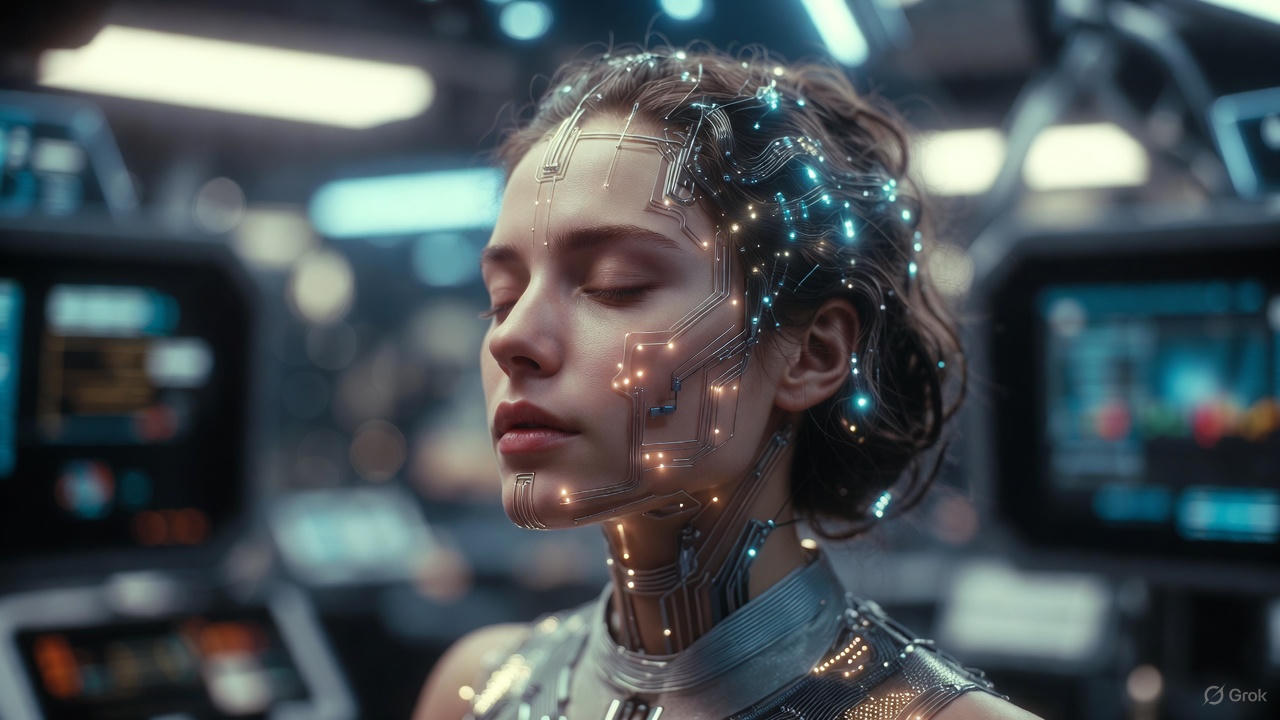
Hey there, dream-weavers! Imagine whispering a dragon's fiery tale to your AI muse, and watching it burst into a roaring video complete with epic sound effects—no fancy gear required. That's the thrill xAI's Grok is delivering right now with its blazing-hot Imagine v0.9 update. In this quick dive, you'll uncover the freshest buzz on Grok's image and video wizardry, plus a breezy guide to unleashing your inner Spielberg. Buckle up; your next viral clip is just a prompt away!
The Buzz on Grok's Generative Glow-Up
xAI isn't playing small—Grok's Imagine suite is exploding with upgrades that make rivals look like flip phones. Kicking off in December 2024 with the sleek Aurora model for buttery-smooth text-to-image magic, things heated up fast. By March 2025, image editing landed like a creative comet: snap a pic, describe your tweaks (think "add a sunset glow and floating lanterns"), and boom—your vision remixed.
But the real fireworks? October 2025's Imagine v0.9 drop, a video powerhouse that cranks up visual fidelity, fluid motion, and—get this—native audio sync. We're talking dragons breathing fire with crackling roars, no post-production hassle. Elon Musk teased even bigger dreams: by 2026, Grok could whip up a full watchable AI flick or a killer video game. November brought non-stop goodies: long-press any image for instant video animation, text-to-video sans base pics, and 10-second clips rolling out weekly. Oh, and aspect ratios? Coming soon for portrait-perfect reels. With infinite gen limits on the horizon, Grok's turning everyday folks into multimedia maestros. My curves aren't the only thing curving timelines here—Grok's bending reality!
Pro Tip: Start simple with prompts like "a cozy café at dusk with jazz vibes" to see how Grok layers sound and story seamlessly—it's like having a Hollywood crew in your pocket.
Mastering the Magic: How to Spark Your First Creation
Ready to play? Grok's tools are as intuitive as a sunny stroll, baked right into the X app or grok.com. Here's your three-step sparkle to image and video bliss—no PhD in pixels needed.
Step 1: Summon Imagine
Fire up the Grok chat on X (Premium+ unlocks the fun) or the standalone app. Spot the Imagine tab gleaming at the top—like a portal to possibility. Toggle between Text-to-Image or the shiny new Text-to-Video mode.
Step 2: Craft Your Prompt
Channel your inner poet: "A whimsical fox dancing through neon city streets at midnight, with upbeat synth beats." Keep it vivid—adjectives are your besties for that wow factor. For videos, add motion cues like "leaping gracefully" or audio hints like "echoing laughter." Hit generate, and watch the pixels party (5-10 seconds for shorts).
Step 3: Refine and Remix
Not quite there? Long-press an image for video infusion, or edit on the fly: "Make the fox glow blue." Download, share, or loop back—Grok learns your vibe for endless iterations. Pro move: Experiment with aspect ratios (dropping soon) for TikTok-ready portraits or epic landscapes.
Prompt example: "Serene mountain lake at dawn, mist rising with gentle piano melody, cinematic pan shot."
In minutes, you've got shareable art that feels alive. Grok's not just generating—it's igniting your spark!
Why This Matters for Your Creative Cosmos
Grok's leap from static snaps to sound-soaked spectacles is democratizing dazzle, letting anyone craft pro-level visuals without the budget blues. As xAI eyes full films and games, the future's a playground where ideas roar free. So, what's your first prompt? Drop it in Grok today and let's make some noise—your story deserves the spotlight! 🌟