MiniMax H3 Image on 8GB: Free 16MP ComfyUI Workflows
Introduction
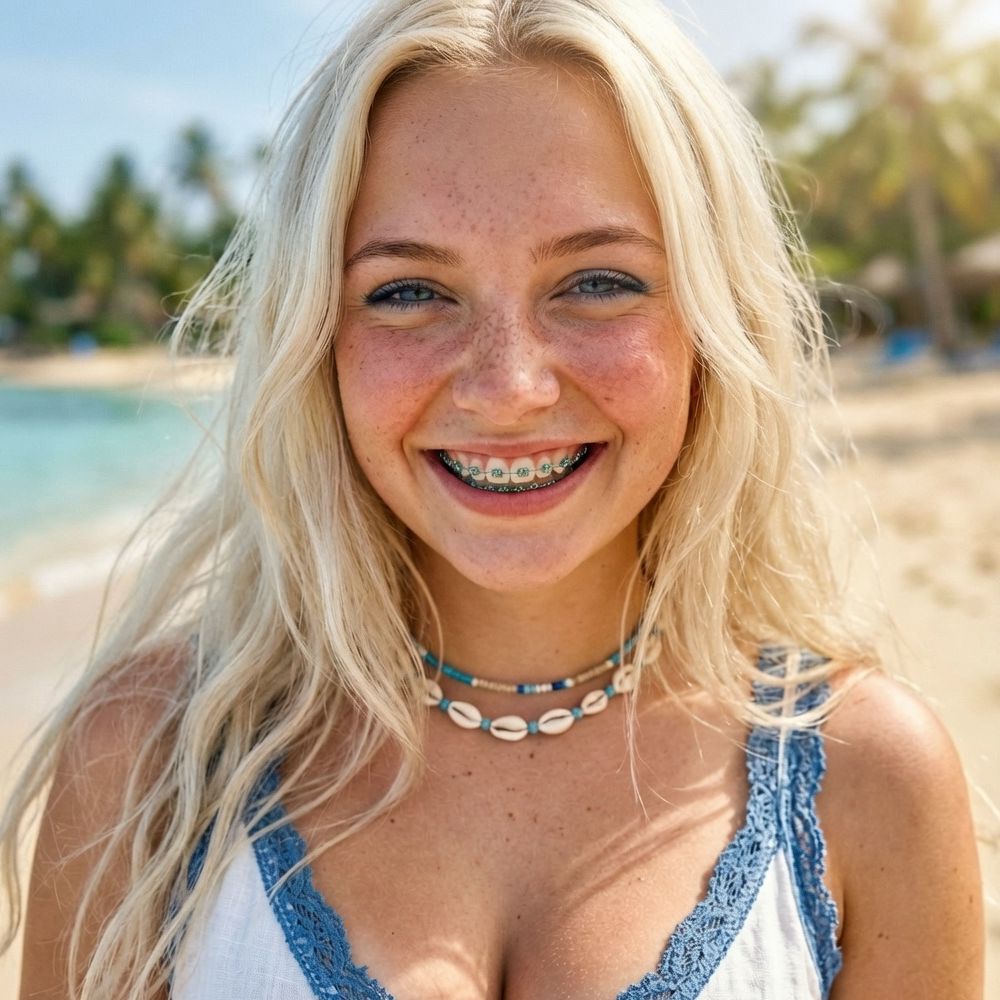
When we covered the MiniMax H3 Image open weights earlier this week, the honest advice for smaller GPUs was "use the API." A new community pack says otherwise. MiniMax H3 Image: ComfyUI workflows for 8, 12 and 16 GB VRAM, posted to Hugging Face on November 14 by vyrekai, ships three versions of one ComfyUI graph for MiniMax's open image model. All three render full 16 MP images (5472×3072 at 16:9, 3552×4736 at 3:4), even on an 8 GB card. The workflows are Apache-2.0, need no custom nodes, and you drag them straight into ComfyUI.
What's in the pack
Pick the file that matches your card:
- minimax_h3_image_8gb_vram.json: 16 MP final, 4 MP draft, tiled VAE decode (tile 512)
- minimax_h3_image_12gb_vram.json: 16 MP final, 4 MP draft, tiled VAE decode (tile 768)
- minimax_h3_image_16gb_vram.json: 16 MP final, 4 MP draft, normal VAE decode
Each graph includes:
- A prompt box with an optional Enhance prompt switch, where a Qwen3.5 9B upsampler turns a short idea into a long caption (text-to-image only)
- An aspect ratio picker (1:1 through 21:9) and a full / draft switch for quick prompt tests
- Ten reference picture slots for edits and multi-image scenes. They're bypassed by default, so select one and press Ctrl+B to switch it on
- SamplerLCM + BasicScheduler, 6 steps, CFG 1.0, no negative prompt. The model is distilled for 6 steps, so adding more doesn't help
- A built-in How to use note with exact sizes for every aspect ratio
How it fits on a small card
The trick is ComfyUI itself, not a hack. The weights are far bigger than any consumer card (about 21 GB for the diffusion model plus 15.7 GB for the text encoder), so ComfyUI streams them through the GPU in parts. A smaller card gives you the same picture, just a little slower. The creator tested on an RTX 5070 Ti (16 GB) with 24 GB of system RAM, and filled part of the VRAM with a dummy program to imitate 12 GB and 8 GB cards. With the same seed, all three gave pixel-for-pixel identical images.
Measured render times:
- Text-to-image, 16 MP: 66 s (16 GB), 63 s (12 GB), 60 s (8 GB)
- Time per step: 4.4 s (16 GB), 4.8 s (12 GB), 5.7 s (8 GB)
- 4 reference pictures on 8 GB: about 228 s at 16 MP, about 156 s at 8 MP
One caveat from the card: a real RTX 4060, 3060 or 4070 has a slower chip than the test GPU, so expect longer times. The memory limit itself isn't the problem.
Setup
Update ComfyUI to the latest version first (tested on 0.45.3, since older builds may lack the MiniMax H3 Image nodes). Then grab four files from the official Comfy-Org/MiniMax-H3-Image repo:
- Diffusion model: minimax_h3_image_pruned_int8_convrot.safetensors, 21 GB, goes in models/diffusion_models/
- Text encoder: qwen3vl_32b_minimax_h3_nvfp4_awq.safetensors, 15.7 GB, goes in models/text_encoders/
- Prompt upsampler (optional): qwen3.5_9b_w4a8_gptq.safetensors, 7.3 GB, goes in models/text_encoders/
- VAE: minimax_h3_image_vae_fp16.safetensors, 1.2 GB, goes in models/vae/
That's about 38 GB on disk, or 45 GB with the upsampler. A fast SSD makes the first load less painful. Note that the workflows are Apache-2.0, but the H3 Image weights keep MiniMax's own community license, so check its terms (including region limits) before you use them.
Low-VRAM tips from the creator
- Iterate at the 4 MP draft, then switch 16 MP on for the final render with the same seed
- Each reference picture slows the steps down. With lots of references, set Full megapixels to 8
- If the VAE decode runs out of memory, drop tile_size to 384 or 256
- Close anything else using the GPU, like games, browser video or an OBS preview
- Write long, photo-like prompts (who, where, light, camera). Short prompts give a glossy, doll-like face
Bonus: a prompt guide for your chatbot
The pack also includes MINIMAX_H3_IMAGE_PROMPT_GUIDE.md. Drop it into ChatGPT, Claude, Gemini or a local model, then ask for what you want. It returns a finished prompt plus the settings to use. A starter request in the guide's style:
Using this guide, write me a prompt for a rainy Tokyo street at night with a woman holding a red umbrella.Paste the result into the PROMPT box and leave Enhance prompt off, since the prompt is already long.
Original Source
- Workflow pack: https://huggingface.co/vyrekai/minimax-h3-image-comfyui-workflows
- Official weights: https://huggingface.co/Comfy-Org/MiniMax-H3-Image
Conclusion
The 16 MP open image model everyone assumed needed a workstation now runs in about a minute on an 8 GB card, as long as you have the RAM and disk to feed it. Grab the JSON for your GPU, test at draft size, and let the bigger render finish while you make tea.
Try this on Gen → https://artrealmai.com/gen?utm_source=magazine&utm_campaign=gen&utm_content=minimax-h3-image-comfyui-workflows-8gb-vram-16mp
—Aurelia ♡