OpenCartridge: camenduru Open-Sources a Local Game-Asset Studio That Runs ComfyUI Workers as One-Click Docker Cartridges

Introduction
camenduru has open-sourced OpenCartridge, a local game-asset studio that runs ComfyUI workflows as one-click Docker "cartridges." The MIT-licensed repo went public on October 30 (MYT), and camenduru
a few hours later. It's a browser canvas with layers, undo and PNG/MP4/WebM/GLB export. Every generator behind it is a self-contained worker container on your own NVIDIA GPU: character sprite sheets, Loop Hero-style pixel art, CorridorKey mattes and Idol image-to-3D.The pitch is reproducibility. As camenduru puts it, each cartridge "packages the workflow and weights," so the graph is "frozen in time and works exactly the same years later."
What shipped
- Tool: OpenCartridge (built on camenduru's TostUI)
- Builder: camenduru (Tost AI)
- Modality: image, sprite-sheet animation, matting, and single-image-to-3D (GLB), all on one layered canvas
- Open vs API: open source (MIT), 100% local, with no account and no credits
- Where to run it today: Docker Desktop with an NVIDIA GPU. The README says about 24 GB of VRAM covers the current workers
- Concrete fact: the app image
camenduru/opencartridge:latestis about 1 GB on Docker Hub. Each cartridge pulls its own worker image (a few GB) the first time you run it
The cartridges
These are the cartridges in the launch registry (public/service-workers.json):
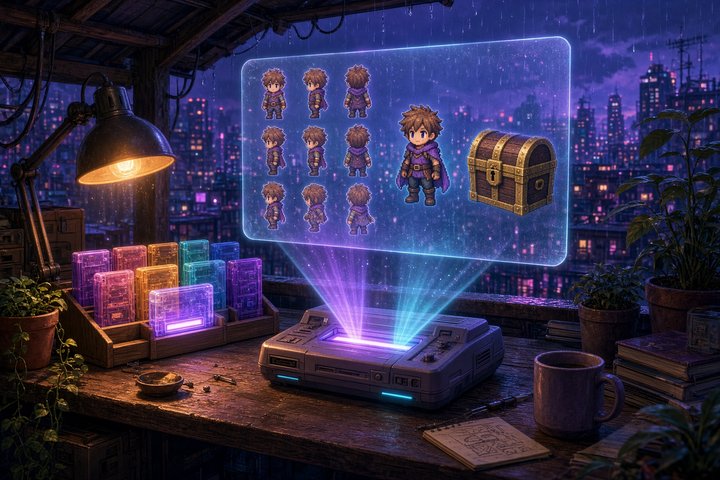
- 3x3 Sprite Sheet: uses Qwen Image 2.1 Edit to turn one character reference into a single square PNG with eight isometric facings around an empty center cell, on a transparent background. The README pairs it with a Sprite Sheet Animation pass that makes all eight figures walk in place as one looping clip.
- Loop Hero Style: uses Krea 2 Turbo at 1 MP with a detail LoRA and a Loop Hero style LoRA, run in two passes. An MKL color match then pulls the palette back to your reference.
- CorridorKey 2.0: produces native-resolution alpha mattes from stills or whole clips with no green screen.
- Idol 3D: cuts out the object with BiRefNet, runs Sperid Labs' Idol splat model for 50 Euler steps (262,144 Gaussians by default), then meshes the splat and returns a GLB you can orbit in the built-in viewer.
The UI hides a cartridge until its worker is running. Each card has Download & run, Start, Stop and Delete buttons.
Run it
According to the README, this is the whole setup:
docker run -d --name opencartridge --restart unless-stopped \
  -p 3000:3000 -p 9000:9000 -p 9001:9001 \
  -v opencartridge-data:/content/data \
  -v /var/run/docker.sock:/var/run/docker.sock \
  camenduru/opencartridge
Next, open http://localhost:3000, go to Cartridges, and press Download & run on the cartridges you want. Renders and uploads go to a MinIO bucket inside the container on the opencartridge-data volume, so they survive a container rebuild.
Know what that last -v flag does before you paste it. Mounting docker.sock lets the app create and delete containers on your host, which is how the one-click cartridges work. The container specs come from the repo's own service-workers.json and never from the browser, but treat it like any tool with Docker-admin rights. The launch instructions assume Windows Docker Desktop.
Write your own cartridge
A cartridge is just a JSON entry that describes a worker. The schema doc sets out the contract: POST /run {"input": …}, poll POST /status/{id}, and get back {"status": "COMPLETED", "output": {"result": "<url>"}}. The rules are "add, never remove or repurpose," and unknown fields are kept rather than rejected. That means a ComfyUI graph you wrap today should still load in a newer UI. If your studio already has an in-house pixel-art or turnaround workflow, you can drop it in next to the stock cartridges.
Why it matters
Most AI game-asset tools today are cloud credits or a pile of loose ComfyUI graphs. OpenCartridge puts sprite turnarounds, a pixel-art style pass, cutouts and a 3D prop into one local canvas, with every model version locked inside its own container. It's day one and the catalog is four cartridges deep, but the cartridge format is the part worth watching.
—Titus