Trellis.2 and Pixal3D Now Native in ComfyUI
Introduction
If you have been wrestling Trellis.2 into ComfyUI with custom nodes, CUDA wheels, and a pinned PyTorch build, you can stop. The two strongest open image-to-3D models in the field — Microsoft’s Trellis.2 and Tsinghua/Tencent ARC’s Pixal3D — now ship as core ComfyUI nodes.
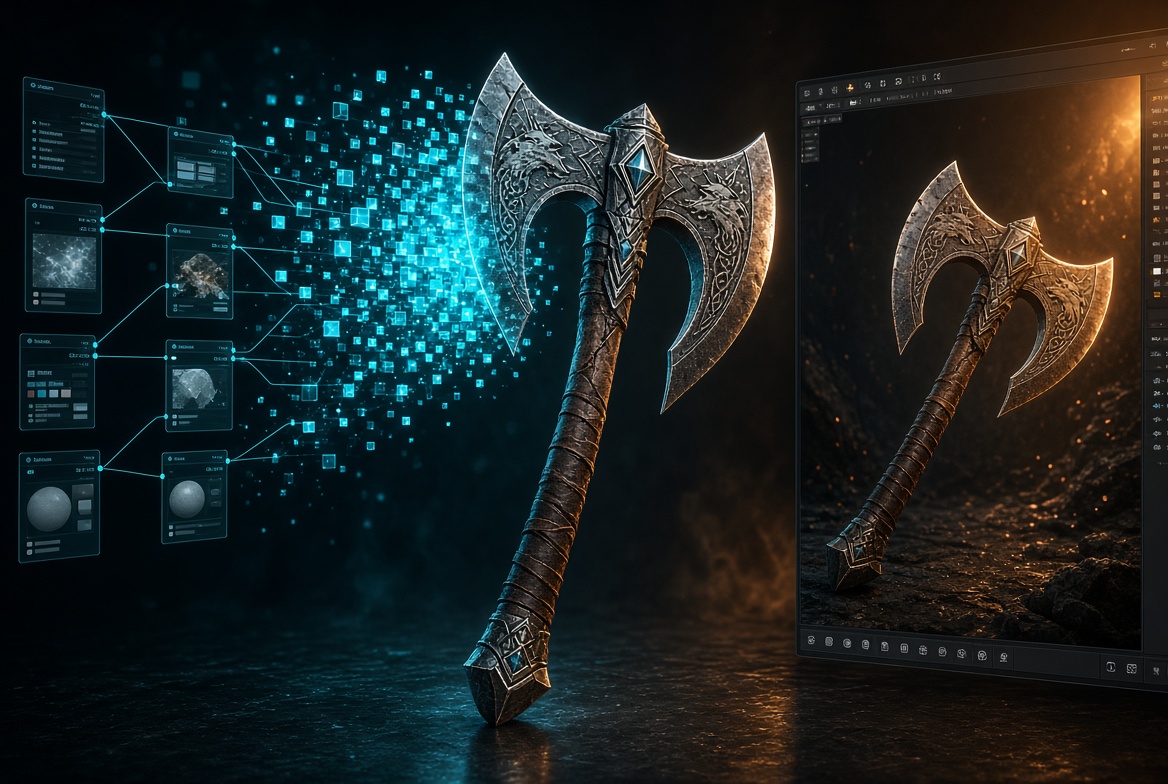
That is not a wrapper drop. ComfyUI rebuilt the 3D path around them: Load / Preview / Save 3D, remesh and decimate, UV unwrap, and a PBR bake that adds normals and ambient occlusion on top of the model’s own base color, roughness, and metallic maps. One still image goes in. A textured GLB comes out. Consumer GPU. Commercial license. No nvdiffrast hangover.
ComfyUI announced it here:
. The official workflow and write-up live here: https://comfy.org/pixal3d-trellis2/.This is the moment 3D generation stops being a science project and starts looking like a production node in a game pipeline.
The Magic: Two Models, One Native Pipeline
Trellis.2 dropped in December 2025 as a 4-billion-parameter image-to-3D system from Microsoft Research. The trick is O-Voxel — a compact omni-voxel latent that stores geometry and appearance together, then a flow-matching transformer that fills it. Effective resolution goes up to 1536³. Open surfaces, non-manifold junk, enclosed volumes — it handles topology that SDF and Flexicubes pipelines choke on. A dedicated texture stage writes base color, roughness, and metallic.
Pixal3D, accepted to SIGGRAPH 2026 out of Tsinghua University and Tencent ARC Lab, sits on that same backbone. Same VAEs. Same DINOv3 image conditioning. Different brain for alignment. It back-projects multi-scale image features into a 3D volume and runs a cascaded refine on structure, shape, and texture. The payoff is pixel-aligned generation: the front view of the mesh actually matches the photo, at near-reconstruction fidelity.
That shared skeleton is why ComfyUI shipped them together. Swap the conditioning node and you keep the rest of the graph. In practice Pixal3D wins on silhouette and view fidelity. Trellis.2 still holds its own on material richness and weird topology. For game work, run Pixal3D first and keep Trellis.2 as the fallback when the asset is more “sculpted object” than “exact match to this concept art.”
The old pain was never quality. It was install and license. The reference stack wanted PyTorch 2.6 + CUDA 12.4, plus compiled extensions for flash-attention, FlexGEMM, O-Voxel kernels, CuMesh, nvdiffrast, and nvdiffrec. Community packs from Andrea Pozzetti and VisualBruno kept the scene alive for months. Every Torch bump still broke the wheels. Worse: nvdiffrast and nvdiffrec sit under NVIDIA’s non-commercial source license. Studios could not ship the reference pipeline without walking into a gray zone.
Kijai’s core integration (PR #14718, merged August 22, 2026) rewrote the post-process chain in PyTorch and SciPy. No custom nodes. No compiled CUDA extensions. No PyTorch downgrade. No non-commercial rasterizer in the path. Trellis.2 code and weights were already MIT. Comfy-Org’s native bake replaces the restricted bits. Generated assets are clean for commercial work.
Pro Tip
Start on the int8 convrot weights if you are under 16 GB VRAM. Pixal3D int8 has been running complete image-to-GLB jobs on 6–8 GB class cards. Bump to bf16 only after the graph is stable and you need the last notch of surface quality. Raise sampler steps from the default 12 into the 30–50 range before you throw more resolution at the problem — steps buy more fidelity per gigabyte than jumping from 1024 to 1536.
From Image to Game-Ready GLB
Update ComfyUI to a build that includes the August 22 core merge. Do not install a Trellis custom-node pack on top of it. You want the native nodes, not a second graph fighting the first.
1. Drop the official weights
Comfy-Org republished the packs on Hugging Face. Place them like this:
ComfyUI/models/
├── diffusion_models/
│   ├── pixal3d_int8_convrot.safetensors   (or pixal3d_bf16.safetensors)
│   └── trellis_2_int8_convrot.safetensors (or trellis_2_bf16.safetensors)
├── clip_vision/
│   ├── dino_v3_L_naf_fp32.safetensors     (Pixal3D)
│   └── dino_v3_vit_l.safetensors          (Trellis.2)
└── vae/
    ├── trellis_2_shape_vae_bf16.safetensors
    └── trellis_2_texture_vae_bf16.safetensors
Both models share the shape and texture VAEs. Grab BiRefNet for background removal and MoGe for camera / FoV estimation if your workflow template calls for them (Comfy-Org/BiRefNet, Comfy-Org/MoGe).
2. Load the official graph
Open the shared workflow on Comfy Cloud or pull the local template from the Pixal3D + TRELLIS.2 page. The graph is a single-image path:
- Load image
- Optional BiRefNet cutout (keep a neutral gray composite — these models were trained on gray studio renders, and black backgrounds bleed into UV seams)
- MoGe for FoV so the volume is not guessed blind
- Pixal3DConditioning or Trellis2Conditioning through DINOv3
- Shared shape / upsample / texture stages
- VAE decode for shape and texture
- Mesh extract → remesh → decimate → unwrap → bake
Native node families you will see on the canvas:
- Generation:
Trellis2ShapeStage,Trellis2TextureStage,Trellis2UpsampleStage,Trellis2Conditioning,Pixal3DConditioning,EmptyTrellis2LatentStructure - Decode:
VaeDecodeShapeTrellis,VaeDecodeTextureTrellis - Camera / depth:
LoadMoGeModel,MoGeInference,MoGeGeometryToFOV - Mesh ops:
RemeshMesh,DecimateMesh,UnwrapMesh,FillHoles,WeldVertices,MeshSmoothNormals - Materials:
BakeTextureFromVoxel,BakeNormalMapFromMesh,BakeAmbientOcclusion,ApplyTextureToMesh - I/O: rebuilt
Load 3D,Preview 3D,Save 3D(Advanced)
3. Set budgets like a technical artist, not a demo
Raw generative meshes are dense and a little dirty. That is expected. Use the new post nodes the way you would use a DCC cleanup pass:
- Remesh to close holes and kill spaghetti
- Decimate to a real budget — 200k–400k faces is a sane hero starting point; the default 700k is preview density, not runtime density
- Smooth normals after decimate, not before
- Unwrap, then bake normals and AO from the high mesh onto the reduced cage
What leaves Save 3D is a GLB with a full PBR set: base color, roughness, metallic from the texture model, plus baked normal and AO from the ComfyUI mesh stage. Preview 3D lets you orbit and zoom in-graph before you dump it into Blender, Unreal, or Unity.
4. Know which model to queue
Use Pixal3D when the input is a clean hero shot — weapons, props, characters, vehicles — and you need the silhouette to match concept art. Use Trellis.2 when the object has ugly topology, transparency, or a material story that matters more than pixel lock. Do not mix their DINOv3 weights. Pixal3D wants dino_v3_L_naf_fp32; Trellis.2 wants dino_v3_vit_l.
If you just want to feel the pipeline before you touch local disks, run it on Comfy Cloud from the official page. Local remains free and open source.
Conclusion
This is the first time open image-to-3D in ComfyUI looks like the rest of the product: update the app, drop weights, hit Queue. The models were already good. What changed is the last mile — install, license, mesh cleanup, and a material set you can actually drop on a game mesh.
Microsoft built the backbone. Tsinghua and Tencent ARC tightened the view lock. Kijai and the Comfy-Org team tore out the CUDA and license landmines and made 3D a first-class citizen next to image and video. If you build worlds for a living, this is the graph to wire into your concept-to-engine loop this week.
The announcement is on X. The workflow is on comfy.org. Update ComfyUI and put a prop in engine before the hype cycle moves on.
—Titus