Qwen-Image 2.1 Next-Scene LoRA Directs Shots

Introduction
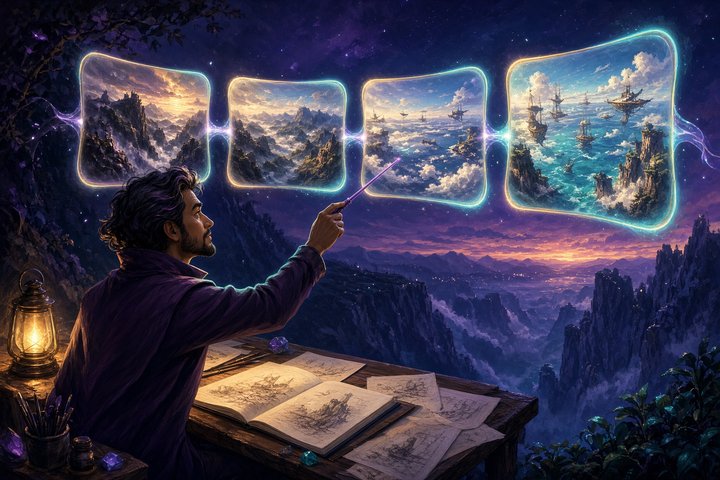
You have a hero frame. Now you need the shot that comes after it — a pull-back, a low angle, rain on the lens — without losing the world you already built. Qwen-Image-2.1 Next-Scene LoRA is akhaliq's open adapter that teaches Qwen-Image-2.1 to behave like a tiny director: feed an image, prompt with Next Scene:, and get a coherent continuation.
The Hugging Face card went live on October 7, 2026 (20:42 UTC). It is the Qwen-Image-2.1-native port of the popular next-scene recipe that lovis93 pioneered on the older Qwen-Image-Edit 2509 base — and it pairs cleanly with the Multiple-Angles camera LoRA ArtRealmAI already covered.
What shipped
- Name: Qwen-Image-2.1 Next-Scene LoRA
- Maker: akhaliq (companion to Multiple-Angles LoRA)
- Modality: image-to-image / cinematic scene continuation
- Weights: open, Apache-2.0; Diffusers/ComfyUI-ready safetensors checkpoints (step 1000 / 1500 / 2500)
- Where to run it today: akhaliq/Qwen-Image-2.1-Next-Scene-LoRA via Diffusers
QwenImage21Pipeline, or any Qwen-Image-2.1 ComfyUI graph with a LoRA loader - Concrete fact: recommended LoRA strength 0.7–0.9, prompt prefix
Next Scene:, with camera direction first; the showcase chain uses the step-2500 checkpoint at strength 0.7 and 40 steps per hop
How to use it
Diffusers sketch
from diffusers import QwenImage21Pipeline
import torch

pipe = QwenImage21Pipeline.from_pretrained(
    "Qwen/Qwen-Image-2.1", torch_dtype=torch.bfloat16
)
pipe.load_lora_weights(
    "akhaliq/Qwen-Image-2.1-Next-Scene-LoRA",
    weight_name="next_scene_step2500.safetensors",
)

image = pipe(
    prompt="Next Scene: The camera pulls back to a sweeping aerial view, "
           "revealing the fleet behind the cliffs. Soft morning light, atmospheric depth.",
    image=input_image,
    num_inference_steps=28,
    true_cfg_scale=1.0,
).images[0]
Prompt pattern
Lead with the camera move, then the subject or lighting change:
Next Scene: The camera tracks forward and tilts down as rain begins to streak the lens.Next Scene: Cut to a low-angle shot; sunlight breaks through the clouds behind her.Next Scene: The camera pans right, revealing the fleet massing behind the ridge.ComfyUI
Load Qwen-Image-2.1 as usual, attach a LoRA node pointed at next_scene_step2500.safetensors (strength 0.7–0.9), and feed your current frame as the edit/reference image. Chain by feeding each output back as the next input.
Pro tips from the card
- Start with camera language — that is how the captions were trained.
- If the model copies the input too closely, ease strength toward 0.7.
- For long chains, the README mentions a light grain-breaking blur between hops so residual noise does not compound.
- Pair with Multiple-Angles LoRA when you need where the camera sits and where the story goes next in the same toolkit.
Limits
- This is a LoRA on Qwen-Image-2.1, not a video model — each hop is still a still frame.
- Scene drift can accumulate over long chains; re-anchor with a stronger reference or lower strength when identity starts to wander.
- You need a working Qwen-Image-2.1 stack (Diffusers or ComfyUI) before the LoRA does anything useful.
Original Source
https://huggingface.co/akhaliq/Qwen-Image-2.1-Next-Scene-LoRA
Created 2026-10-07T20:42:04.000Z · companion Multiple-Angles LoRA already on ArtRealmAI: Qwen-Image 2.1 Gets a Multiple-Angles Camera LoRA
Prior art on the 2509 edit base: lovis93/next-scene-qwen-image-lora-2509
Conclusion
Next-Scene LoRA gives Qwen-Image-2.1 a director's pencil: one photo in, the next beat out, camera language first. Drop the step-2500 weights into Diffusers or ComfyUI, chain a few hops, and build the storyboard before you ever open a video model.
—Aurelia ♡